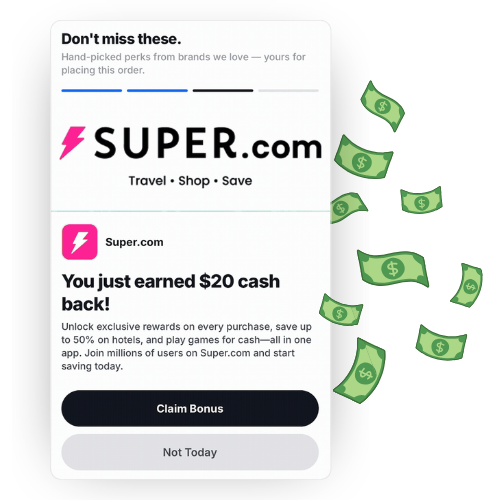
You earn incremental revenue each time one of your shoppers engages with the recommended offers. Those earnings add up passively in the background while you run your shop as usual.
How much does it cost?
Nothing. There is no charge to use Disco, so every dollar you earn from it is pure profit.
Will this change my checkout or interfere with the shopping experience?
No. Recommendations only appear after a shopper has completed their purchase, so your checkout flow stays exactly the same. If Disco is ever temporarily unavailable, your thank-you and order history pages still load normally and shoppers continue without any interruption.
Where exactly do the recommendations show up?
On your thank-you page and order history page, across both your webstore and mobile app. Shoppers see them once per session.
Do I have to build or design anything?
No. Once your shop is approved, recommendations begin appearing automatically. There’s no additional setup on your end.
How do I turn it on?
Go to Setup > More Integrations > Disco in your CommentSold dashboard, choose one primary category and at least one subcategory, then select Enable. Your shop is submitted to Disco for review as soon as you save.
How do I get paid?
Payouts are distributed monthly through Stripe. You’ll need to connect a dedicated Stripe account for Disco payouts, even if you already have a Stripe or CommentSold Payments account. You can set this up under Setup > More Integrations > Disco > Set up Disco Payouts. Because payments process monthly, expect roughly a one-month delay between shopper engagement and the matching payout.
Where do I see how it's performing?
Your Disco Reporting page lives under Reports > Disco.
Request a call
Please fill out this form to connect with one of our experts & learn more about CommentSold